Coloring Dolls cover

Girls game

Coloring Dolls

Doll colouring book with a full palette, sticker tray and a free-drawing mode.

Difficulty
Easy
Compatibility
See device support below

Game overview

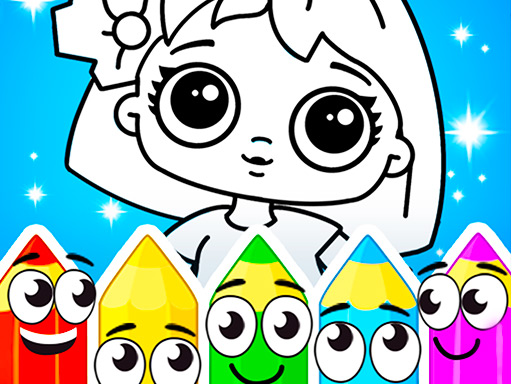
Coloring Dolls is a colouring book with doll illustrations and a sticker tray on the side. Pick a picture, fill the areas with whatever palette you want, and add stickers on top when the flat colour is done. A free-drawing mode sits alongside the outlines for anyone who would rather start from a blank page, and finished work can be captured before you move on.

This title is best suited to players who want relaxed doll colouring with stickers and a blank-page option.

How to play Coloring Dolls

  1. Choose a doll outline from the picture list
  2. Pick a colour from the palette
  3. Fill in an area of the drawing
  4. Add stickers once the flat colour is finished
  5. Switch to free drawing to start from a blank page

Controls

  • Mouse or tap: choose a colour from the palette
  • Mouse or tap: fill or draw inside the picture

Objectives and failure conditions

Objectives

  • Colour the doll illustrations however you like, and decorate them with stickers.

The run ends or fails when

  • No fail state. Nothing is scored and any colour can be changed.

Gameplay mechanics

  • Area filling handles the flat colour, so staying inside the lines takes no precision.
  • Stickers layer on top of finished colour rather than replacing it.
  • A free-drawing mode removes the outline entirely for open-ended work.

Device compatibility

Desktop browsers

Mouse or trackpad: Coloring Dolls loads straight into the page on desktop Chrome, Edge, Firefox and Safari with no download or plugin. Controls used: Mouse or tap, Mouse or tap.

Phones and tablets

Touch controls: Coloring Dolls is driven by pointer input, which maps to tap and drag on a touch screen.

Tips for Coloring Dolls

  • Block in the large areas first and save the detail for last
  • Keep the palette to three or four colours for a cleaner result
  • Try the free-drawing mode when the outlines start feeling repetitive

What worked well and what did not

Pros

  • Fill-based colouring works well for small hands
  • Stickers and free drawing extend it past plain colouring
  • Completely open-ended with no scoring

Cons

  • Fill tools leave little room for shading or texture
  • Outline variety runs out with repeated use

Player comments

No published comments yet.